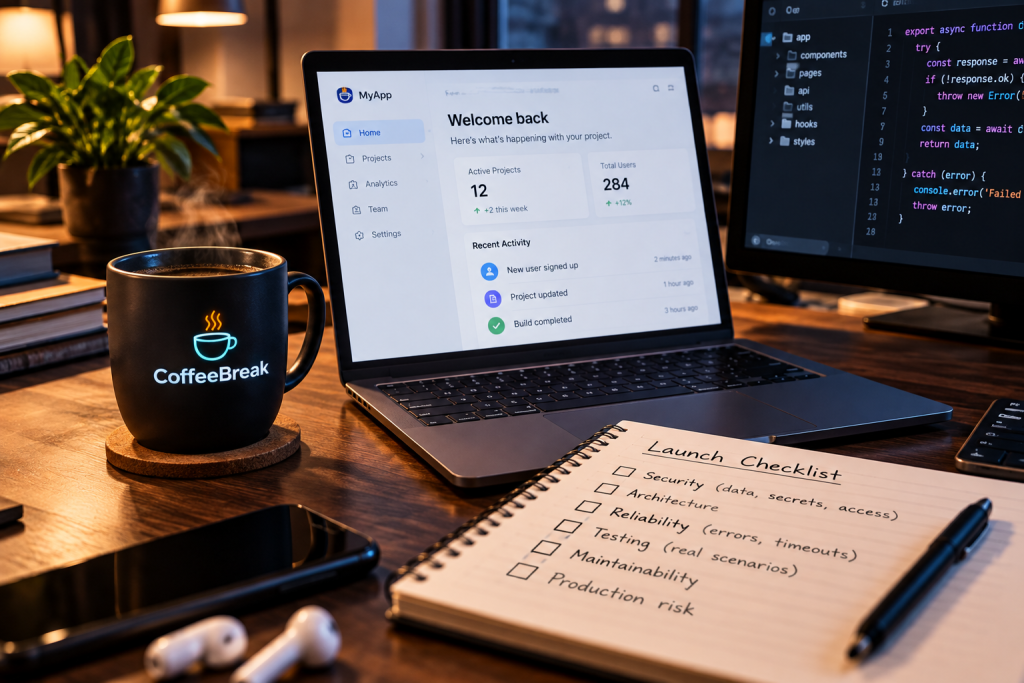
You described what you wanted, the AI built it, and now it is running. The login works. The pages load. The data saves. That is a great feeling, and it is one of the real upsides of building with tools like Cursor, Claude, Lovable, Bolt, Replit, and v0.
But “it works on my screen” is a low bar. You know how the app is supposed to be used. Your users do not. They will click things in a strange order, enter input you never thought to try, and find the corners you never visited.
This is not a rare problem. One scan by Escape of roughly 5,600 publicly deployed vibe-coded apps reported more than 2,000 high-impact vulnerabilities, around 400 exposed secrets, and 175 instances of exposed personal data, as reported by Rocket.new. Publicly deployed apps may lean toward weaker security, so treat that as a signal, not a verdict on every app.
The good news is that many of these issues come from a handful of areas, and you can start checking each one today. Here are five.
1. Exposed secrets and API keys
What it looks like. An API key pasted into front-end code, a .env file committed to your repository, or a token visible in a browser request. Anything that ships to the browser can be read by anyone. IBM’s write-up, which cites GitGuardian’s State of Secrets Sprawl 2026 report, says credentials exposed through vibe coding appear less likely to be remediated than those from traditional workflows (IBM Think).
How to check. Search your code and its git history for keys, tokens, and passwords. Open your browser’s developer tools and look at the files and requests your app sends. Move secrets to server-side environment variables, and rotate any key that was ever exposed. Deleting it from the code does not make an old key safe.
2. Broken access control
What it looks like. A signed-in user changes /orders/123 to /orders/124 and sees someone else’s order. The app checks that you are logged in, but not that the record belongs to you. This pattern is called broken object-level authorization, or IDOR, and SoftwareSeni’s review of the research describes it as the most prevalent access control vulnerability in vibe-coded apps.
How to check. Create two test accounts. While signed in as account A, try to read, edit, and delete account B’s records by changing IDs in URLs and requests. Confirm the ownership check happens on the server, not just by hiding buttons on screen. If your app uses a hosted database such as Supabase, check that row-level access rules are turned on and actually tested.
3. Data exposure
What it looks like. An endpoint that returns a full user record, including email, phone number, and internal fields, when the screen only shows a name. A storage bucket set to public. Error messages that print internal details. Logs that capture personal data.
How to check. Request your API endpoints directly while logged out, and compare the responses with what the screen displays. Review your storage permissions. Trigger an error on purpose and read what comes back. Return only the fields each screen needs.
4. No tests and weak error handling
What it looks like. Everything works on the happy path. A request times out and the page goes blank. A double-click creates two orders. An empty form submits without complaint.
How to check. List your five most important user journeys and try each one, including the unhappy paths. Turn off the network, enter bad input, and see what happens when a third-party service is down. Then make sure the parts that matter most are tested automatically, so the next AI-generated change does not quietly break them.
5. Code nobody can explain
What it looks like. Logic copied across several files, a small change that breaks something unrelated, and packages the AI added that you do not recognize. If you cannot explain how login or data storage works, it will be hard to fix when something goes wrong.
How to check. Write a one-paragraph explanation of how login and data flow through your app. If you cannot, ask your AI tool to walk you through it, then verify what it says against the code. List your dependencies and confirm that each one is real, needed, and maintained.
If everything looks like a problem, start here. Fix anything that exposes credentials or other people’s data first (items 1 to 3). Then make sure your core user journeys hold up (item 4). Structure and maintainability (item 5) can follow. You do not have to fix everything before launch, but you should know what you are choosing to leave. For a deeper checklist, OWASP’s application security verification standard is a good reference.
That thinking is what led us to CoffeeBreak. At Transcendent Software, we have spent a lot of time working with software and helping businesses deal with technical problems. We know how easy it is to get caught up in making something work and leave the harder review questions until later. Not everyone building with AI has another engineer available to look over their work.
So we started with Launch Check. It reviews an application for security, architecture, reliability, data exposure, testing, maintainability, and production risk in the scope you provide. Results are grouped by launch priority, with the reason each issue matters, supporting evidence, and suggested fixes.
It is a scoped review, not a security certification, and it is not a guarantee that anything you did not review is ready for production. You still have to make the decisions, fix the issues, and keep testing after you launch. When you are ready to turn priorities into action, Mission Control, the other half of CoffeeBreak, is built for that.
If you have built something with Cursor, Claude, Lovable, Bolt, Replit, v0, or another AI coding tool, run a free Launch Check before your users find the problems for you.
And if you are getting ready to launch, we would like to hear from you. Which of these five areas are you least sure about?